

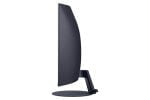
Samsung T55
When choosing a new monitor , choose a proven classic and get the T55 model from the renowned company Samsung . The monitor impresses at first glance with its slim design and elegant design. It has a 24″ diagonal , so it is also suitable for smaller desks. You can use the universal monitor for work and entertainment. With Full HD resolution , the image stands out clearly and sharply, whether you are watching movies, playing games, or browsing the Internet.
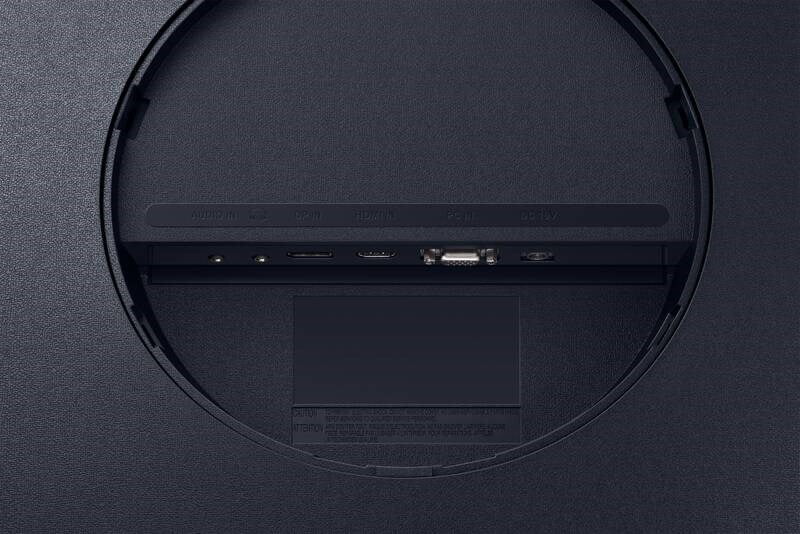
The brightness of 250 cd/m2 ensures excellent visibility even in broad daylight. To prevent tearing or blurring during action transitions, AMD FreeSync technology cleans the image . On the back there are HDMI and DisplayPort connectors for connecting to a computer or laptop.
Key properties:
- S optimal curvature you get the most out of your monitor
- Game mode a FreeSync for a sharp image even during fast action
- eye saver protects the eyes against fatigue and damage
- Easy and fast connection via HDMI whether DisplayPort
- Elegant and stylish design to every room
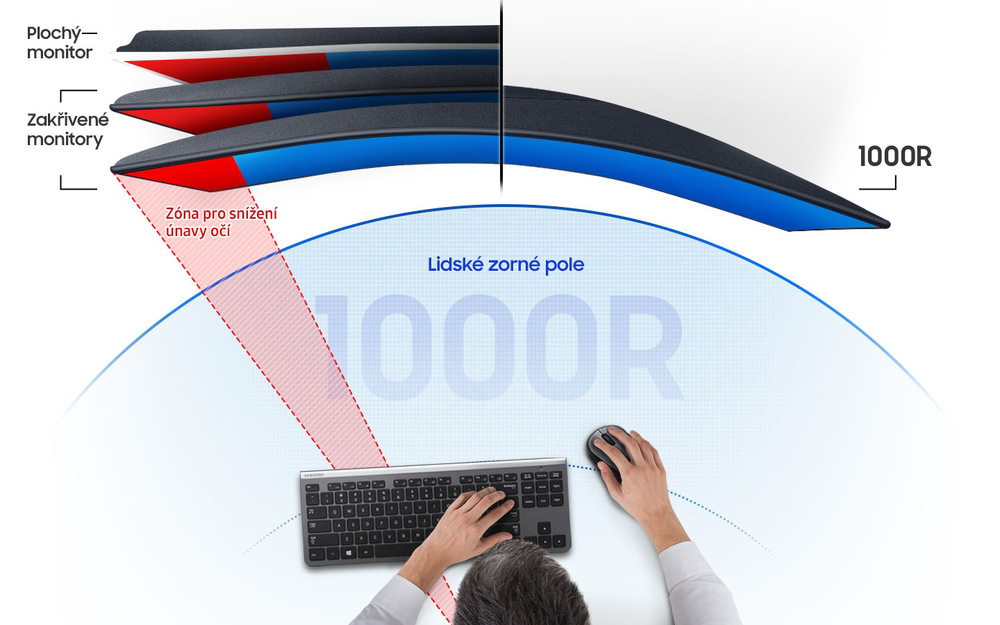
Optimal curvature
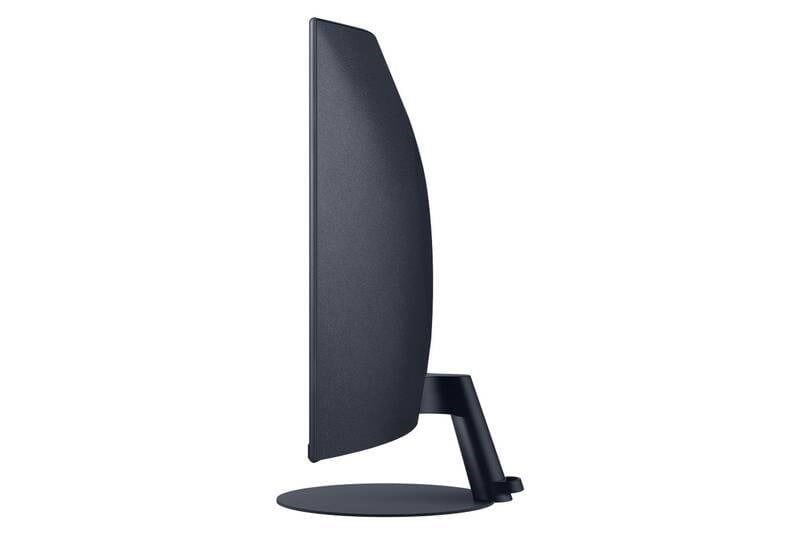
Samsung is an expert in curved monitors. This model stands out with an ideal curve for users to get the most out of it. The curvature perfectly fits the angle of the eyes and vision, so you see the image complete from one side to the other.
Minimalist design
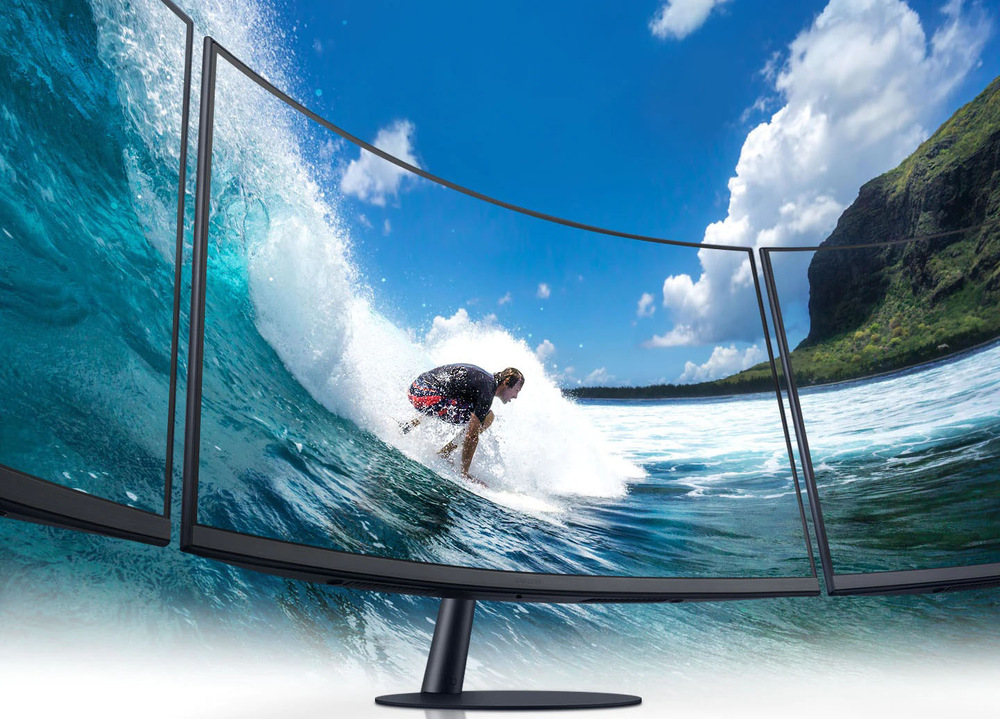
The monitor impresses at first glance with its elegant, modern design. It has graceful curves and a minimalist design that fits perfectly on any desk. You can connect it in the living room, bedroom and study, everywhere it will become part of the space and act as a stylish accessory.
Perfect for gamers
The device also meets the demanding requirements of computer game lovers. Immerse yourself fully in your favorite pastime and push the limits of your skills. The monitor will offer you a special game mode that will draw you into the story. FreeSync technology renders transitions cleanly and sharply without blurring, and the refresh rate of 75 Hz together with the 4ms response ensures lightning-fast reactions to your stimuli.

Comfort for the eyes
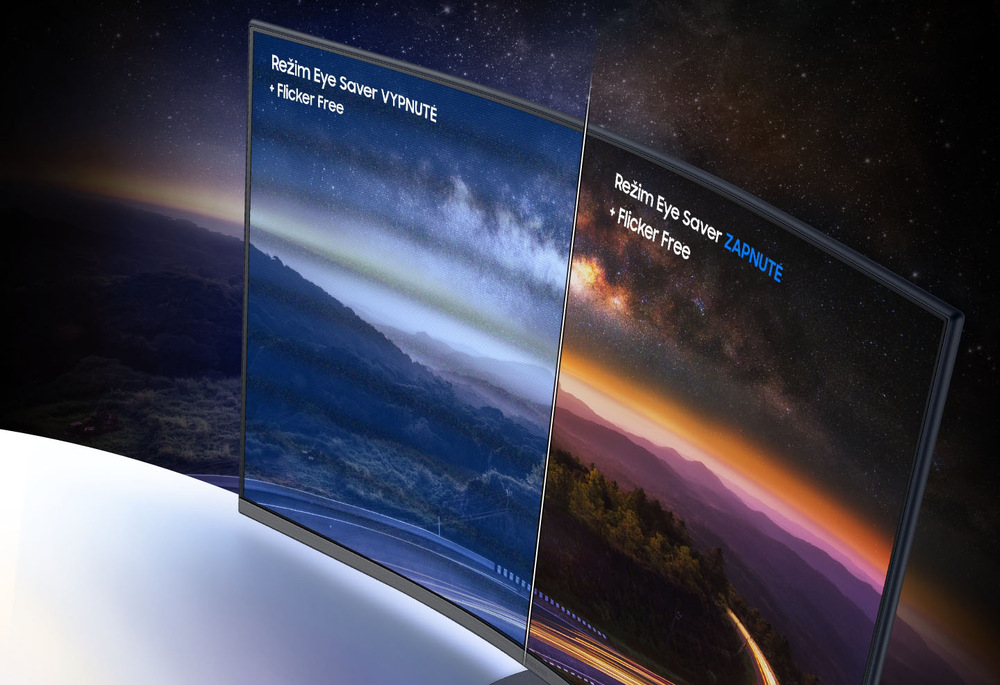
Protect your eyes against early fatigue or vision damage. Activate Eye Saver mode. It minimizes the emission of blue light, which significantly contributes to eye fatigue. Flicker Free technology significantly reduces image flickering, so you'll feel refreshed and rested even after long hours of staring at the screen.
Wide range of connectors
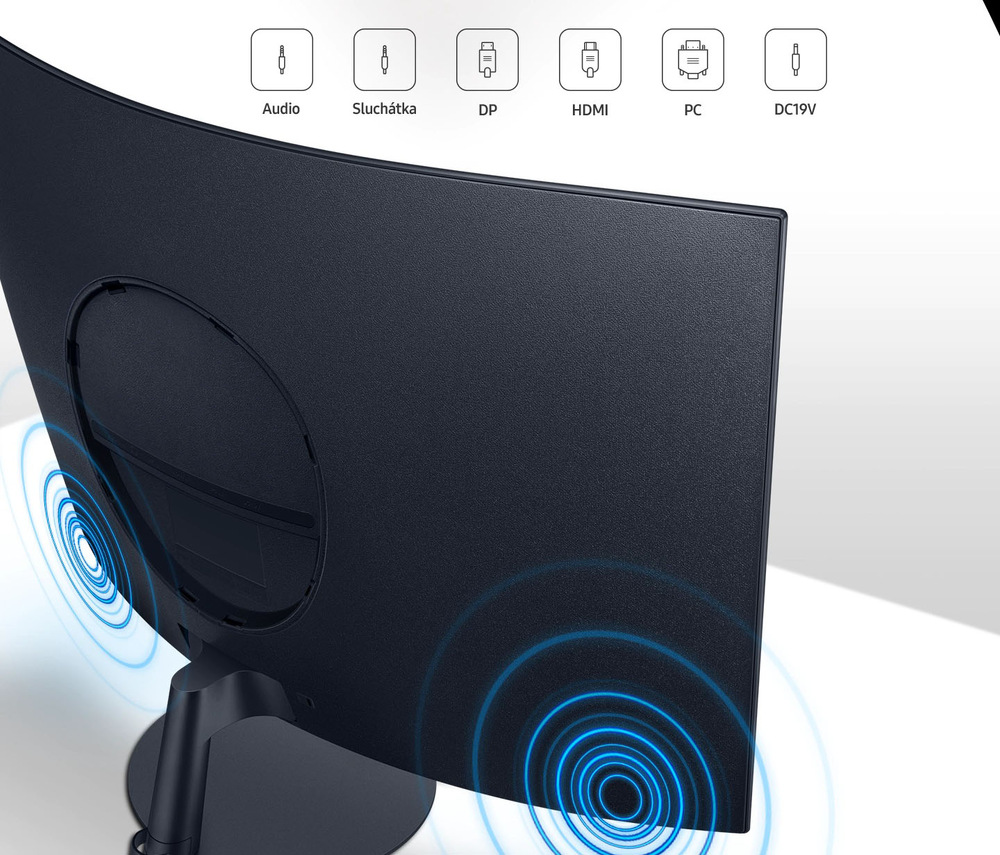
On the back of the monitor you will find the connectors, with which you can connect it to the computer or connect an external device to it itself via a cable. There is no HDMI, DisplayPort, but also an audio connector or a headphone port.
Reviews
There are no reviews yet.