
PC for Minecraft RTX: ray tracing requirements and builds
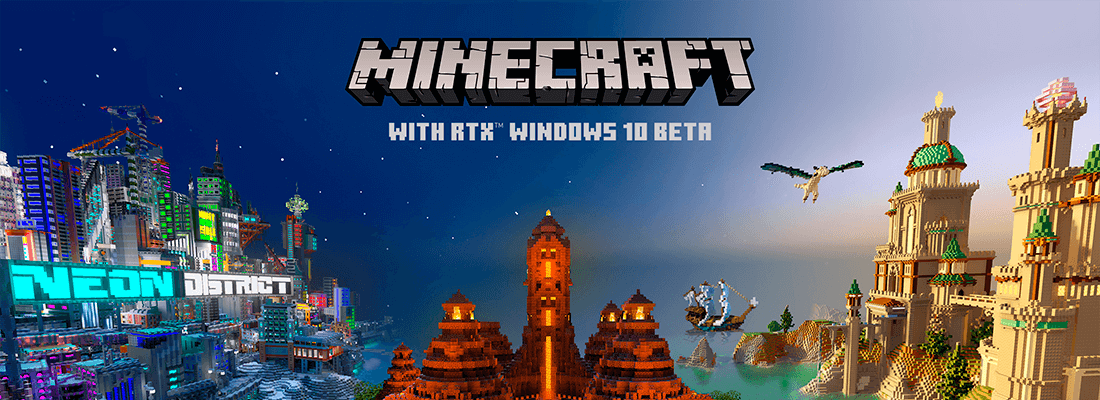
For Minecraft with ray tracing you need Windows and a GeForce RTX graphics card or a selected Radeon with DirectX ray tracing support. NVIDIA lists a GeForce RTX 2060, a Core i5-class processor and 8 GB RAM as the minimum. Ray tracing only works in Minecraft for Windows (Bedrock), not in Java Edition. For 1080p at 60 FPS, a GeForce RTX 5060 with DLSS switched on is enough today; for 1440p, aim for an RTX 5070 and above.
Summary
- Ray tracing in Minecraft was released as a beta on 16 April 2020. It brought global illumination, reflections in water, realistic shadows and surface materials.
- As of 10/2026, Mojang states that ray tracing on Windows does not change with the arrival of Vibrant Visuals mode and continues to work on supported devices.
- The graphics card is decisive. DLSS (upscaling) only works on GeForce RTX cards and boosts performance the most.
- If your card cannot handle ray tracing, try the lighter Vibrant Visuals mode.
What are the requirements for Minecraft with ray tracing
NVIDIA published the official minimum when the beta launched. The manufacturer does not state a recommended configuration, so we derive one ourselves below.
| Parameter | Minimum according to NVIDIA |
|---|---|
| System | Windows 10, 64-bit (today also Windows 11) |
| Processor | Intel Core i5 or comparable and better |
| RAM | 8 GB or more |
| Graphics card | GeForce RTX 2060 or better |
| Disk space | 2 GB |
On minecraft.net, Mojang states that ray tracing runs on devices with DirectX ray tracing support, for example on GeForce RTX cards and selected AMD cards. You turn ray tracing on in worlds that support it – you will find them free of charge in the Marketplace, and your own worlds can be uploaded manually.
Which PC for Minecraft RTX in 2026: three builds
The builds are our recommendations from components available as of 10/2026, not measurements. We do not give prices because they change quickly due to expensive memory. Since Minecraft with ray tracing benefits greatly from DLSS, we mainly recommend GeForce RTX cards.
| Build | Graphics card | Processor | RAM | SSD | What to expect |
|---|---|---|---|---|---|
| Basic 1080p | GeForce RTX 5060 8 GB | Ryzen 5 7600X | 16 GB DDR5 (2 × 8 GB) | 1 TB NVMe | Full HD with ray tracing and DLSS switched on |
| Mid 1440p | GeForce RTX 5070 12 GB | Ryzen 5 7600X | 32 GB DDR5 (2 × 16 GB) | 1 TB NVMe | 1440p with ray tracing and DLSS, longer view distance |
| Performance 4K | GeForce RTX 5080 16 GB | Ryzen 7 9800X3D | 32 GB DDR5-6000 | 2 TB NVMe | 4K with DLSS, headroom for demanding worlds |
Performance in Minecraft RTX depends heavily on how far you can see. At launch, NVIDIA recommended full-screen Full HD and a ray tracing distance of 8 chunks for the best result. Every increase in view distance costs a noticeable share of FPS.
What matters most in Minecraft RTX
Graphics card and DLSS
Ray tracing calculates light for every pixel, so the graphics card carries almost the entire load. DLSS renders the image at a lower resolution and reconstructs it using AI. It only works on GeForce RTX cards because it uses their Tensor cores. You turn it on in the video settings with the Upscaling option.
Video memory
For Full HD, 8 GB is enough; for 1440p and 4K we recommend 12–16 GB. When the memory runs out, the game starts loading data from RAM and the picture stutters.
Processor and RAM
In ray tracing the processor is not as decisive as the graphics. A modern six-core processor and 16 GB RAM are enough. A stronger processor comes into its own in large worlds with many redstone contraptions and in multiplayer.
Ray tracing or Vibrant Visuals?
Vibrant Visuals is a newer graphics mode of the Bedrock edition. Since version 1.21.90 (June 2025), you switch between it and the classic graphics with the graphics mode option in the game. It offers realistic lighting and reflections but is significantly less demanding than ray tracing and does not need an RTX card.
- Ray tracing – the most faithful light and reflections, but only on Windows, only in RTX-enabled worlds and with high demands on graphics.
- Vibrant Visuals – a nicer picture even on a weaker PC and in ordinary worlds. It is a good fit if you have a card without ray tracing.
Java Edition has neither. A similar look can only be achieved there with third-party shaders, which are usually even more demanding.
What next
- Choosing a graphics card? You will find card generations and memory in our list of graphics cards.
- Building a new computer? The general procedure is described in the article How to choose a gaming computer; we are preparing ready-made builds in the Gaming PC collection.
- Older PC overheating while gaming? Our PC service in Prague will clean it and replace the graphics card if needed.
Sources
Frequently asked questions
Does ray tracing work in Minecraft Java Edition?
Will Minecraft RTX run on an AMD card?
Why can't I turn on ray tracing in the game?
Is ray tracing or Vibrant Visuals better?
This text was prepared with the help of AI. Facts, figures and procedures were checked by Yegor.