
ASIC miner temperature sensors: what they measure and how to read them
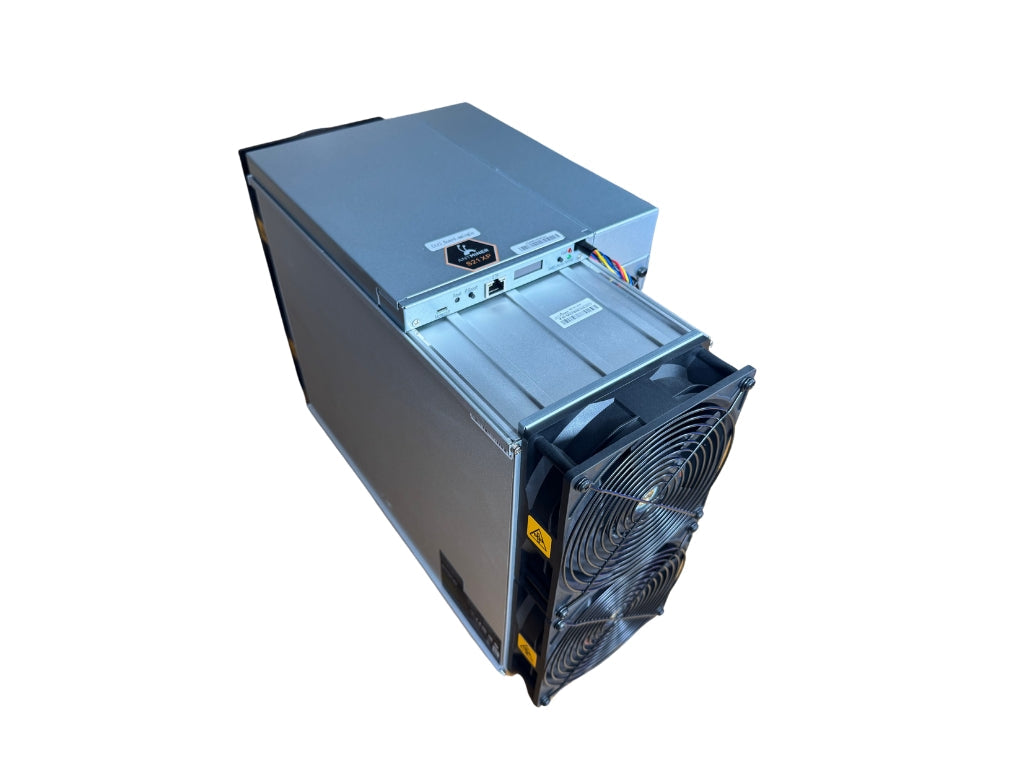
Temperature sensors in an ASIC miner measure the temperature of the hashboards and chips. Based on them, the firmware controls fan speed, reduces performance and, if necessary, shuts the board down. Each hashboard usually has two sensors – at the air intake and at the exhaust – and the firmware also reads the temperature directly from the chips.
Where the sensors are and what they measure
On the underside of each hashboard, beneath the heatsink, sit two small temperature-measuring circuits: one closer to the intake, the other closer to the exhaust. They communicate with the control board over the I2C bus. In addition, each ASIC chip has its own temperature diode that measures the temperature directly in the silicon.
| Value in the interface | What it means | What to watch |
|---|---|---|
| Board inlet temperature (in) | the board at the intake, close to the room air temperature | If it rises, the room is warm or hot exhaust air is recirculating to the intake. |
| Board outlet temperature (out) | the board at the exhaust, where the warmed air goes | The difference between inlet and outlet shows how effectively the cooling removes heat. |
| Chip temperature (chip) | the hottest spot in the machine | It is always higher than the board temperature. Some farm management programs show only one number – check which one. |
What the firmware does with the readings
- It increases fan speed to keep the temperature within the target range.
- It lowers the chip frequency when the fans are not enough. The hashrate drops, but power consumption hardly does, so efficiency worsens.
- It shuts down the board or the whole machine when the temperature exceeds the limit. Limits differ by model and firmware; for the S19 series, a board temperature of 75–85 °C is quoted.
For ambient air, Bitmain specifies an operating range of 0–45 °C for the Antminer S21. Above 900 m above sea level, the upper limit drops by 1 °C for every 300 m. For a long lifespan, however, an intake around 20–25 °C is better than running at the edge.
Example: how to read the temperatures of three boards
A miner has three hashboards and they all draw in the same air. Two show similar values, the third is 10 °C warmer. The room is therefore fine; the problem is on that one board: most often dried-out thermal paste, a loose heatsink or clogging dust.
Another case is a faulty sensor. It shows nonsensical values, the fans spin up to 100% even without real heat, and the board may refuse to start. The sensor can be replaced at a service centre. You will find further symptoms in the article ASIC miner faults.
Why it matters for miners
A hot machine mines less and ages faster. Repeated heating and cooling fatigues the solder joints under the chips, so over time the chips start to “disappear”. Therefore watch mainly the inlet temperature and the differences between boards, and set up alerts in the interface or in a farm manager. How to remove heat from a room or a whole farm is described in the article Cooling a mining farm.
Related terms
- Hashboard – the board of chips on which the sensors sit.
- Air vs. liquid cooling – where air is no longer enough.
What next
Regular cleaning and temperature checks are described step by step in the guide ASIC miner maintenance.
Sources
Frequently asked questions
What ASIC miner temperature is normal?
Why do the fans keep running at 100%?
Why is the chip temperature higher than the board temperature?
Can a faulty temperature sensor be replaced?
This text was prepared with the help of AI. Facts, figures and procedures were checked by Yegor.


